


Ticket machines and gates at a Japanese station

Travel with a little confidence

Tickets & IC cards

From choosing a ticket to leaving the gate,
learn the basics for a smoother journey.

✿ What you will learn ✿

Learn six practical steps for tickets and IC cards:
choosing, buying, topping up, using gates,
solving problems, and checking before you leave.

✿ Key points ✿

An orderly Japanese station

✿ Contents ✿

  1. 1. Choose for your journey 〉
  2. 2. Buy a ticket or card 〉
  3. 3. Check & top up 〉
  4. 4. Use the gate correctly 〉
  5. 5. When the gate will not open 〉
  6. 6. Before your trip ends 〉

✿ Frequently asked questions ✿

Q Can I use an IC card everywhere in Japan? +

No. Check whether the entire journey is supported. Separate IC areas generally cannot be crossed on one stored-value journey. Shinkansen and limited-express services may need additional tickets, reservations, or a separately linked service.

Q Do I need a smartphone? +

No. A paper ticket or physical card is an option on supported routes. Welcome Suica Mobile is an iOS service; requirements for other mobile cards vary. Confirm device compatibility and payment-card support with the provider.

Q Can I get the remaining balance back? +

It depends on the product. Welcome Suica does not ordinarily refund unused balance; a card malfunction is handled separately. Regular Suica/PASMO and mobile services have different refund procedures. Check the issuer’s current guidance before travel.

1Choose for your journey
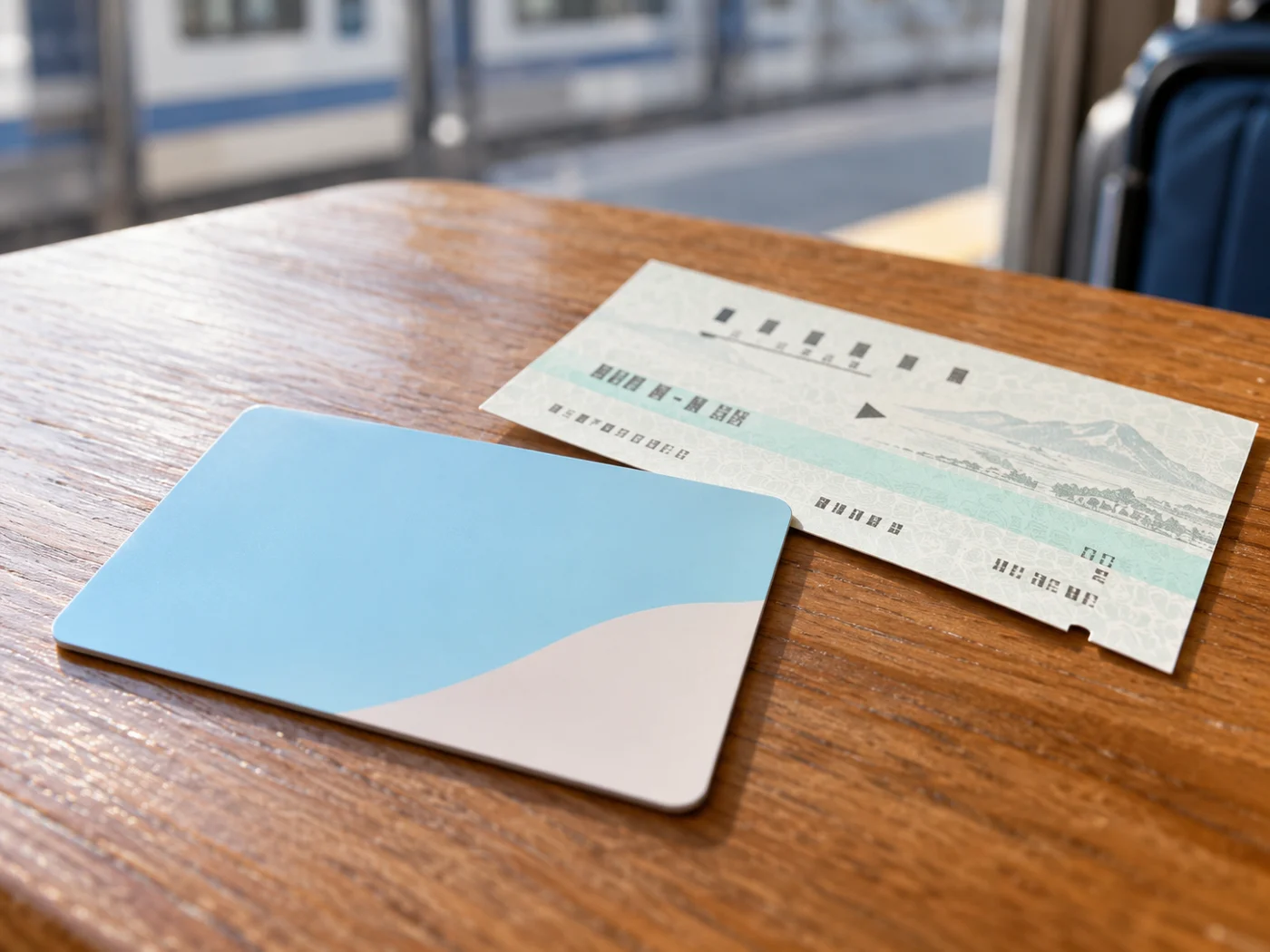
Ticket and IC card options

Paper tickets and transport IC cards are both options. Suica and PASMO work on many participating services, but not every route. For journeys crossing separate IC areas or taking a Shinkansen or limited express, check the required tickets and reservations.

Choosing before the gate keeps the entrance clear. It is fine to use a paper ticket—show the destination and ask staff which option fits.

Remember this!
  • Check the whole route and tickets you need.
  • Check train-specific tickets instead of assuming stored balance is enough.
Prepare your Suica: compare cards, set up and top up →

2Buy a ticket or card

Buying at a station

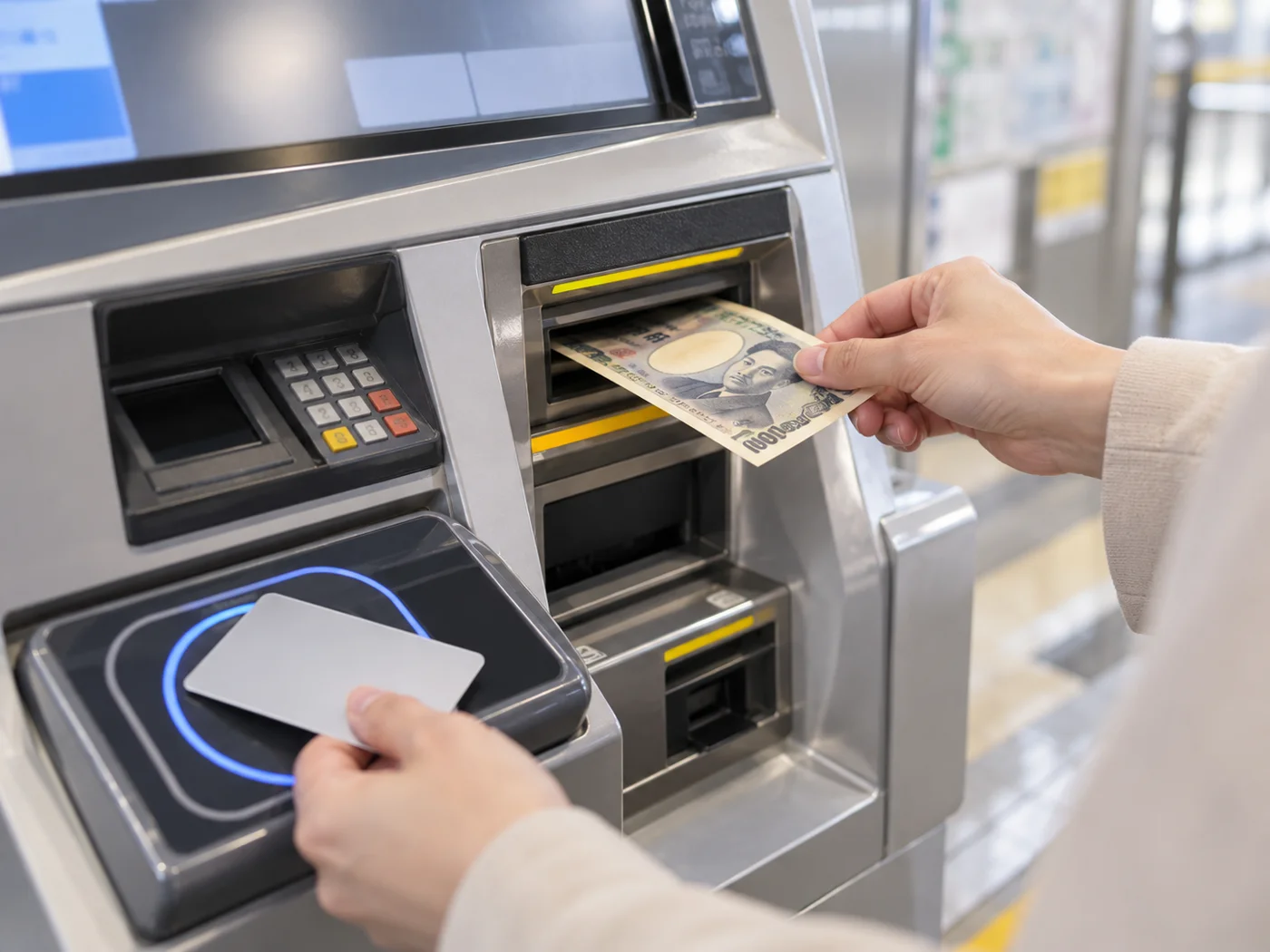
At a ticket machine, choose a supported language and find the destination or fare. Buy IC cards at designated stations or counters; sales locations and card types vary. Confirm the right adult or child option with staff.

Moving aside while checking the route helps the next person use the machine. If the screen is confusing, asking staff is perfectly fine.

Remember this!
  • Check where your chosen card is sold.
  • Do not assume a shop sells cards just because it accepts IC payments.

3Check & top up

Topping up an IC card

Check the stored balance before travelling. Physical IC cards can be topped up at compatible station machines and participating shops. Keep yen cash available: ordinary physical-card top-ups may not accept credit cards.

Topping up before a busy gate keeps the queue moving. You do not need to load a large amount at once; ask where your card can be topped up.

Remember this!
  • Top up gradually for what you expect to use.
  • Check mobile-card device support, payment cards and top-up methods.

4Use the gate correctly

Touching an IC gate reader

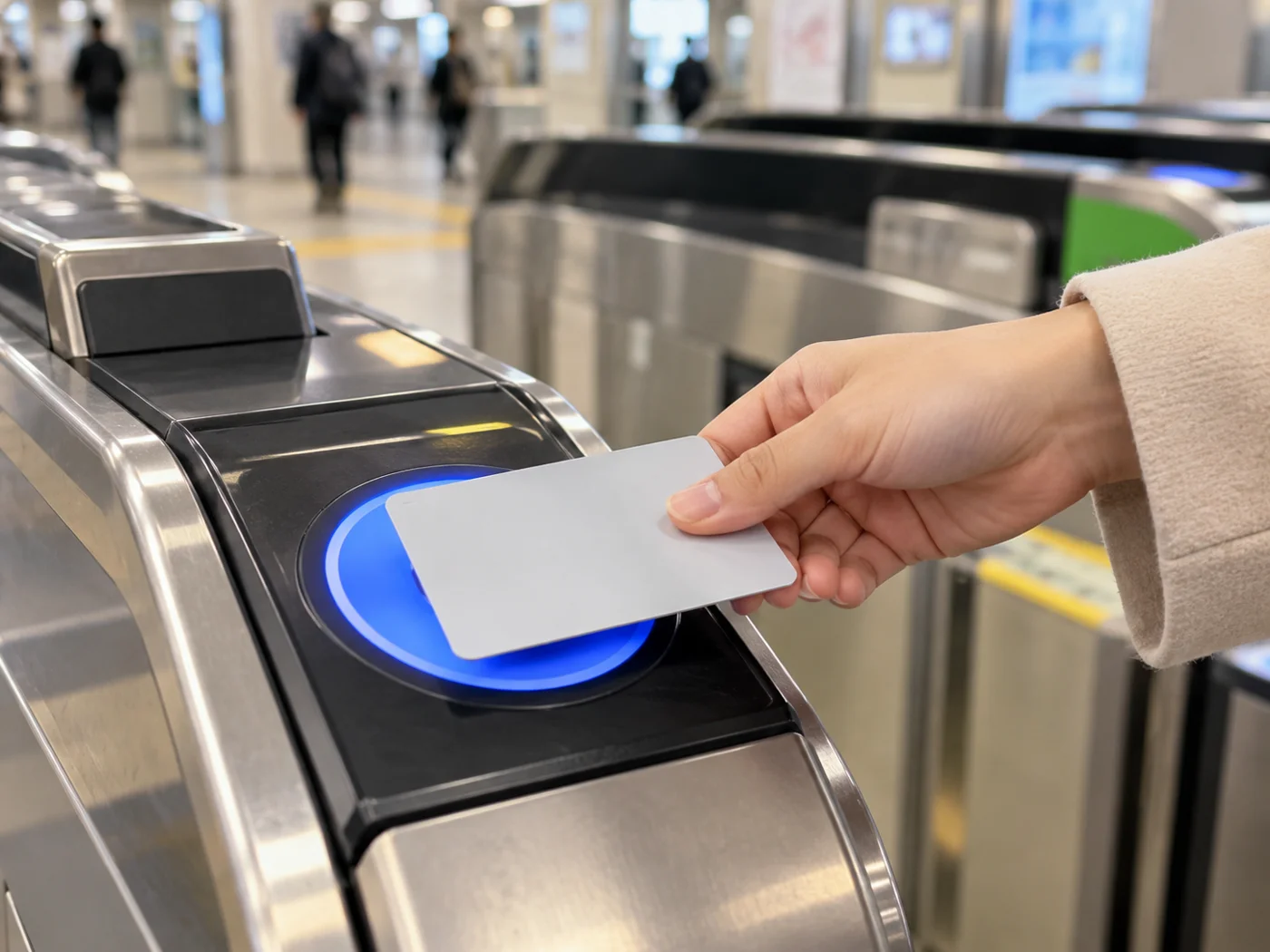
For an IC journey, touch one card or supported phone to the reader when entering and exiting. Do not stack several IC cards together. For a paper ticket, insert it into a compatible gate and collect it if returned.

Having the card ready makes passing through easier for everyone. You can slow down and check the reader—do not rush or push through a closing gate.

Remember this!
  • Use the same IC card for entry and exit.
  • Follow exit-gate instructions for paper tickets, which are usually retained.

5When the gate will not open

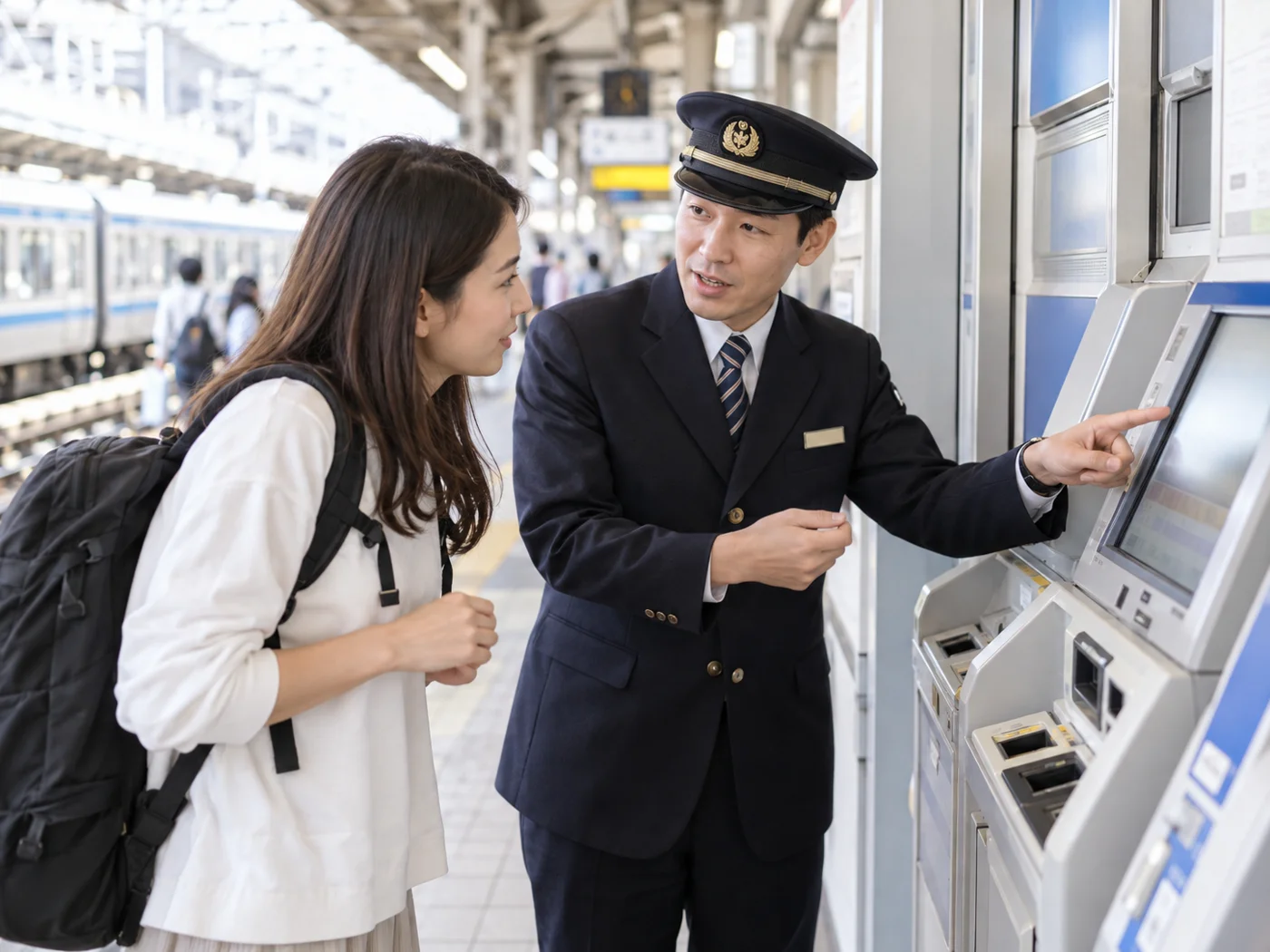
Asking station staff for help

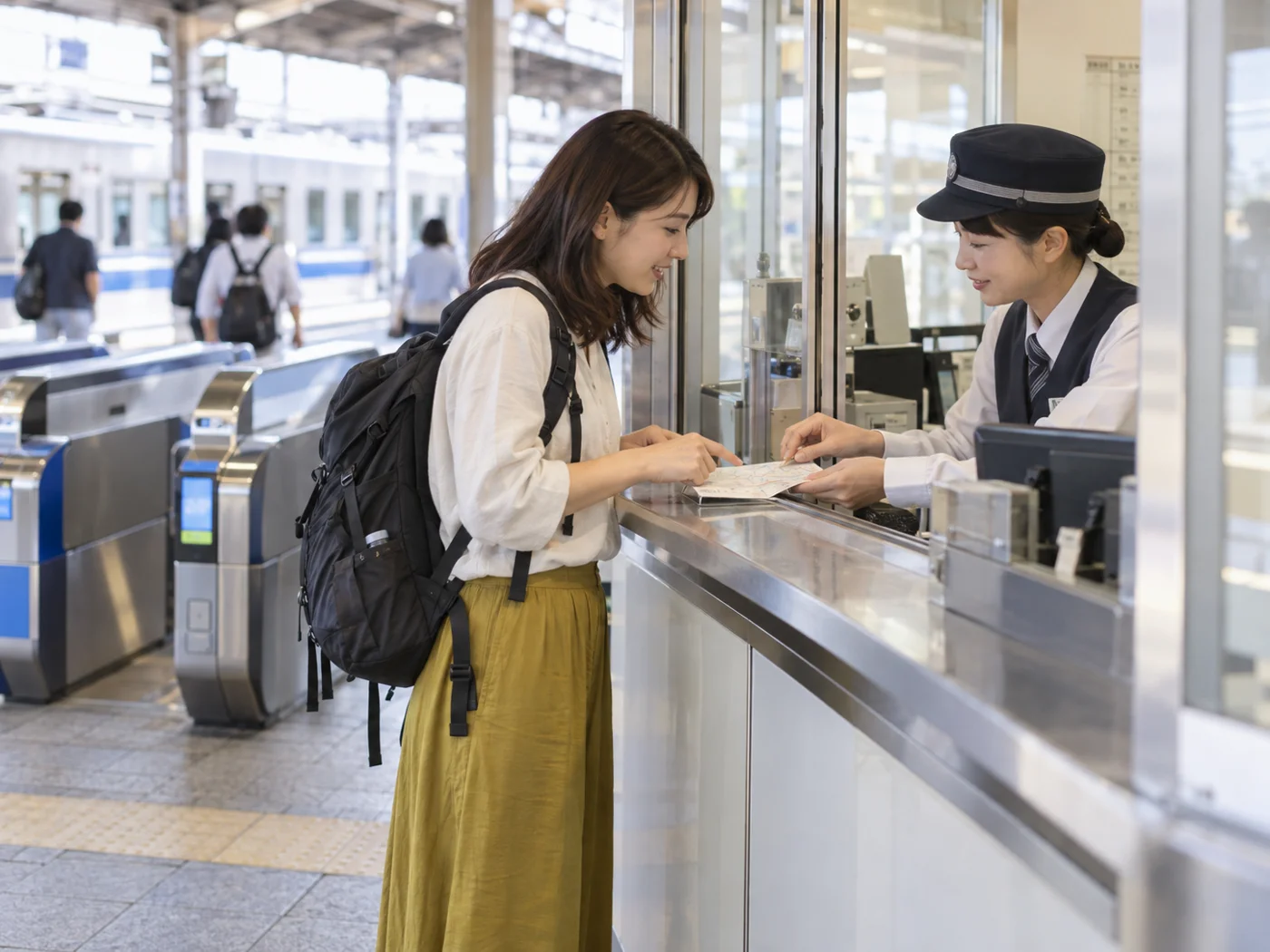
A low balance, incomplete touch, route restriction, or ticket issue can stop the gate opening. Step away from the lane and check the display. Use a fare-adjustment machine where appropriate, or show staff your card or ticket and boarding station.

Moving aside lets others pass and gives staff time to help. Errors happen; there is no need to panic. Do not swap to a different card to exit.

Remember this!
  • Ask station staff instead of forcing your way through.
  • Ask how to pay the difference after travelling beyond your ticket.

6Before your trip ends

Checking before departure

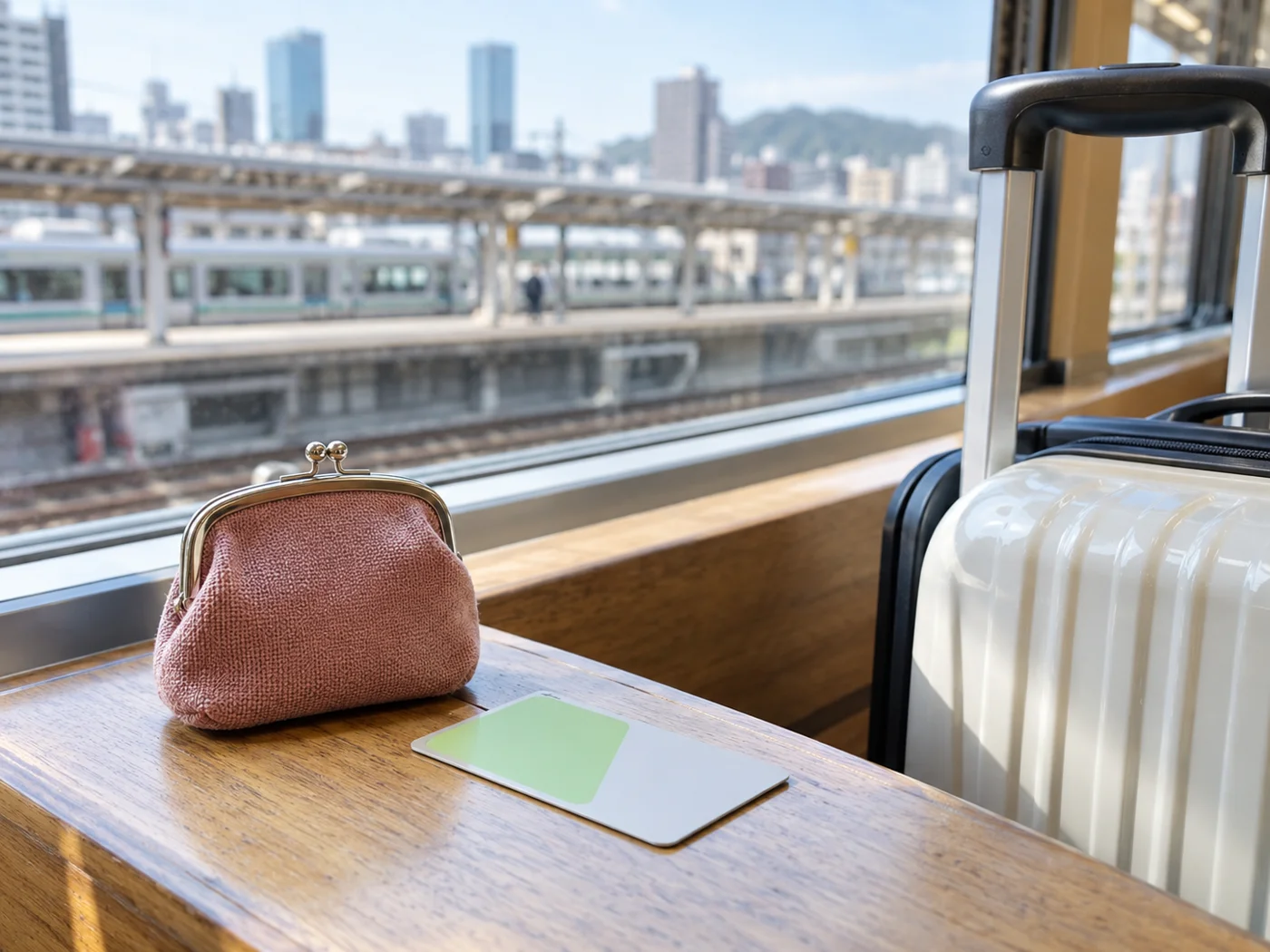
Check the card’s expiry and refund rules. Welcome Suica is for short-term use and ordinarily has no remaining-balance refund. Regular cards and mobile services have different procedures; ask the issuing operator before leaving.

Checking early helps avoid a last-minute rush at the counter. You do not have to return every card; confirm the conditions for your exact product.

Remember this!
  • Avoid topping up more than you need near the end of your stay.
  • Carry the Welcome Suica reference paper and check its validity information.

✿ Summary ✿

Choose a ticket or IC card that works for your journey. Check the balance and use the same card at entry and exit. If a gate will not open, step aside and ask staff. Card coverage, mobile requirements, validity, and refund conditions differ—check the operator’s current guidance.

Ready for a comfortable train journey