




Get connected in Japan — illustrative travel scene

Practical preparation before arrival

Get connected in Japan

Maps, messages and reservations.
Choose a connection that fits your trip.

✿ What you will learn ✿

Travelling independently or sharing as a group?
Compare phone support, collection and return as well as data,
then test your connection after arrival.

✿ Key points ✿

Get connected in Japan — illustrative travel scene

✿ Contents ✿

  1. 1. Choose for your travel style 〉
  2. 2. Check the phone and the plan 〉
  3. 3. Prepare while you have Wi-Fi 〉
  4. 4. Connect after arrival 〉
  5. 5. Collect and return pocket Wi-Fi 〉
  6. 6. If the connection fails 〉

✿ Frequently asked questions ✿

Q Is public Wi-Fi enough for a whole trip? +

It can help at supported venues, but access, sign-in and coverage vary. Save essential information offline and choose another option if you need reliable access while moving.

Q Does an eSIM include a Japanese phone number? +

Only if that particular plan says so. Check voice and SMS separately; data-only service supports internet apps but is not a normal local phone line.

Q Which option is cheapest? +

There is no universal winner. Compare the total for your dates and number of users, including enough usable data, collection/return and optional charges. Confirm current terms directly.

1Choose for your travel style

A traveler using a phone beside a pocket Wi-Fi router

An eSIM or physical SIM gives an individual phone its own connection. Pocket Wi-Fi shares one router among nearby devices. Roaming through your current carrier can simplify setup when Japan is included. Compare the total trip cost and limits rather than choosing by the cheapest headline daily rate.

A shared router can work well when you stay together; people who split up need their own connection or an agreed offline meeting plan. Domestic travellers may already have enough data in their Japanese plan.

Remember this!
  • Choose for the people who will separate.
  • Check the total cost and data limits.
See the steps and checks
Connection options: a starting point, not a provider ranking
OptionUseful whenTrade-off
eSIM / physical SIMEach person wants independent dataPhone and plan must be compatible; calls may not be included
Pocket Wi-FiNearby devices share one connectionCharge, carry and return the router; stay within range
Existing-carrier roamingYour plan includes Japan or a suitable add-onConfirm data and call charges before enabling
Public Wi-FiA temporary connection at a supported venueCoverage and sign-in vary; keep an offline fallback
  1. Estimate maps, messaging, work calls and streaming separately.
  2. Compare data allowance, reduced-speed rules, tethering, voice/SMS, support hours and cancellation terms.
  3. Include delivery, pickup, return and loss charges in rental comparisons.

Official guidance checked 2 October 2026
2Check the phone and the plan

A traveler checking phone settings before travel

Before buying a SIM/eSIM from another carrier, confirm your exact phone model, region variant and carrier-lock status. eSIM support is not universal. Check whether the plan includes a Japanese phone number, voice calls or SMS: a data-only plan does not provide these simply because messaging apps work.

For a locked or unsupported phone, ask your current carrier about roaming or consider pocket Wi-Fi. Do not buy first and assume changing one setting will make the phone compatible.

Remember this!
  • Check compatibility before paying.
  • Separate data needs from voice and SMS.
See the steps and checks
  1. Use the device maker’s and provider’s compatibility lists for your model.
  2. On iPhone, Settings → General → About shows Carrier Lock; “No SIM Restrictions” indicates it is unlocked.
  3. Confirm the plan covers every destination and day, including any stopover outside Japan.

Official guidance checked 2 October 2026

3Prepare while you have Wi-Fi

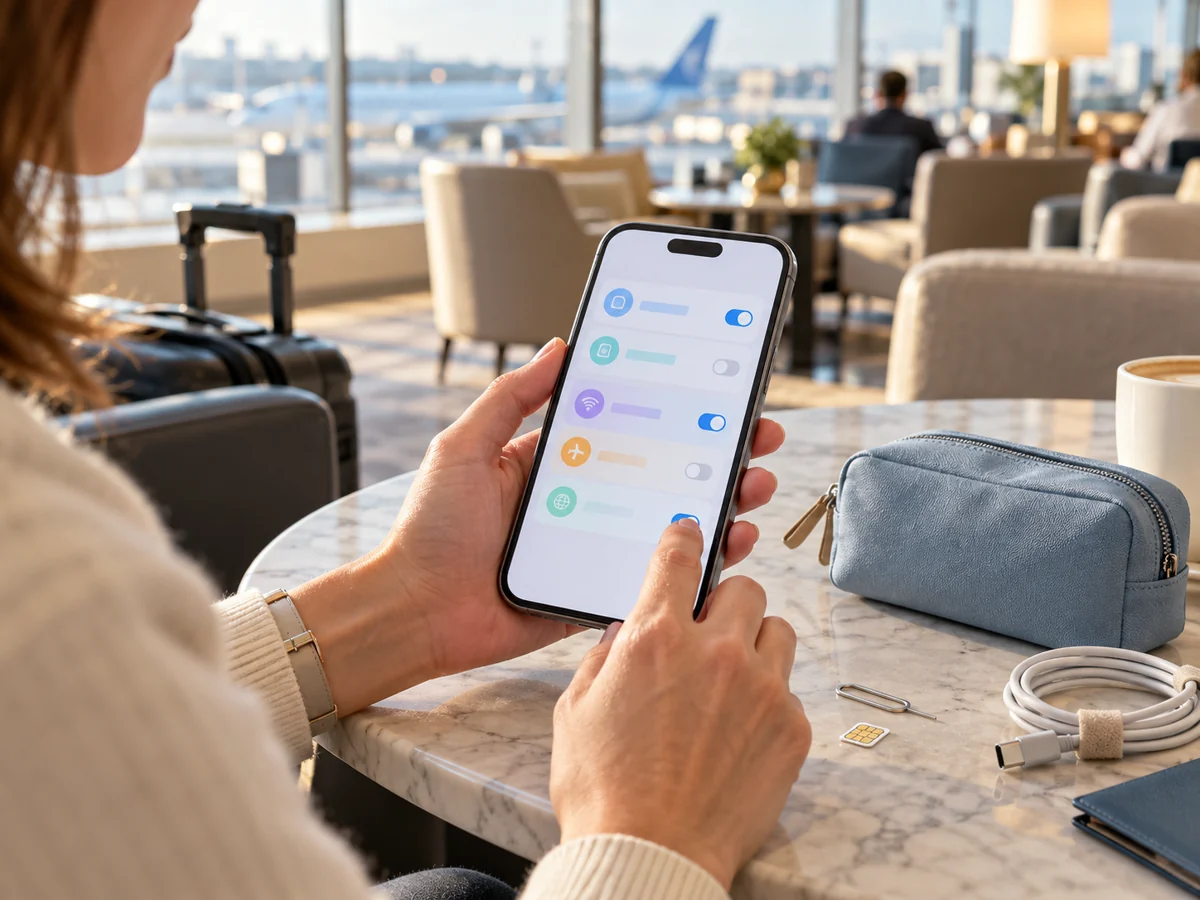
A smartphone and SIM preparation tools on a table

Read when the plan’s validity begins: purchase, installation, first connection or a chosen date can differ by provider. Download the official setup instructions and keep the order reference available offline. Install at the time the provider recommends; do not activate an expiring plan early just to test it.

Setup is easier before a crowded arrival hall. Keep QR codes and activation details private. For physical SIMs, check the phone has a compatible tray and keep the home SIM safely stored.

Remember this!
  • Check what starts the validity period.
  • Save support and setup instructions offline.
See the steps and checks
  1. Read activation and reinstall rules before scanning a QR code.
  2. Prepare a second screen or the provider’s supported same-device installation method if needed.
  3. Save your hotel’s name, address, reservation and the airport-to-hotel route offline.

Official guidance checked 2 October 2026

Compare destinations and transport →

4Connect after arrival

A traveler checking a map on a connected phone

For SIM/eSIM, follow the provider’s activation instructions, select it as your mobile-data line and enter APN settings only if instructed. Some travel plans need data roaming enabled on that travel line. Keep unwanted roaming off on your home line; leaving it active for calls or SMS can still create charges.

Turn off automatic data switching if you do not want the phone to fall back to a chargeable home line. Phone menus differ, so follow your device and provider guidance rather than copying settings from someone else’s phone.

Remember this!
  • Select the intended mobile-data line.
  • Test with Wi-Fi briefly turned off.
See the steps and checks
  1. Connect to official airport Wi-Fi if setup needs internet; confirm the network with airport signage.
  2. Open a map or a small webpage using mobile data, then test a message.
  3. If you need incoming home-line SMS, ask your carrier about charges and settings before leaving that line active.

Official guidance checked 2 October 2026

5Collect and return pocket Wi-Fi

A phone and a portable Wi-Fi router on a lounge table

Check the exact terminal, counter or locker, operating hours and pickup deadline. A rental booked for one airport may not be collectible at another. Before leaving, inspect the router and accessories, connect your phone and ask how to return everything on your actual departure day.

A flight delay or terminal change can affect collection. Save the provider’s support details and late-arrival policy. “Unlimited” plans can still have fair-use or reduced-speed conditions, and coverage is not guaranteed in every tunnel or remote area.

Remember this!
  • Test the router at collection.
  • Add the correct return point to your plan.
See the steps and checks
  1. Confirm booking name, required ID/payment method, charger and return instructions.
  2. Charge the router and keep it near the devices sharing it; plan for anyone travelling separately.
  3. Return all supplied items by the agreed deadline and keep the receipt or return record.

Official guidance checked 2 October 2026

6If the connection fails

Checking a smartphone while seated safely indoors

Pause somewhere safe and check the active data line, remaining allowance and the provider’s service notice. Try the provider’s recommended restart or network steps. Do not delete an eSIM as a first fix: reinstalling can require a new activation. For a rental router, check power, signal and the connection between phone and router separately.

Offline details let you reach your hotel even while support is unavailable. Public Wi-Fi is useful as a temporary option; verify the network and avoid unexpected requests for passwords, profiles or security changes.

Remember this!
  • Keep the plan installed while seeking support.
  • Use your saved address and route as a fallback.
See the steps and checks
  1. Note the error message, phone model and approximate location for the provider.
  2. If you cannot resolve it, use an official venue connection or ask an information desk for directions.
  3. Before travelling home, check your home data line and stop using an expired travel plan.

Official guidance checked 2 October 2026

See what to do when you are lost →

✿ Summary ✿

Check device compatibility, carrier lock, voice/data needs and activation rules. After arrival, select the intended data line and test it. Save the hotel address and first journey offline. If renting equipment, include its return in your departure plan.

Get connected in Japan — illustrative travel scene